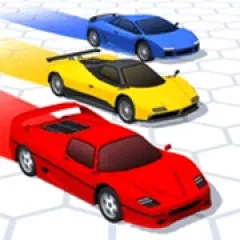
2 Players Madness is an adrenaline-filled racing game that allows two friends to get behind the steering wheel of the same racing game. Once you have clicked on Play, you will be directed to Two Player and will get ready to compete with your friend along with two other opponents.
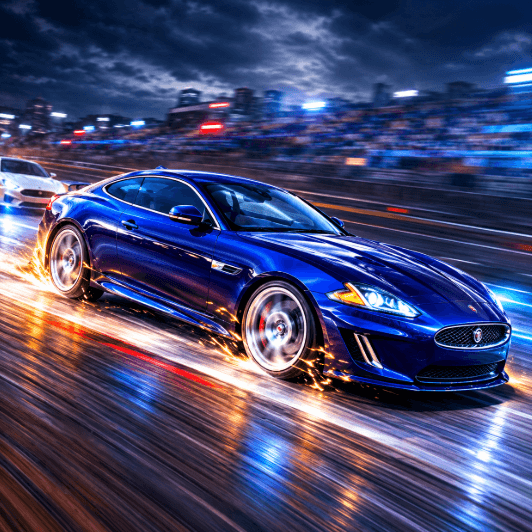
Starting 2 Players Madness is simple. Click on the Play icon to get into the game, and once you are in, click Play again to get to the Two Player option in the game. When the game starts, you will see circles with the label of Player 1 and Player 2 above their respective cars.
To win the race, you need to drive as fast as possible while participating in the rivalry with your friend and other competitors. But you need to do something besides pressing the acceleration keys. You need to use the handbrake for hard situations, look back at the rivals, and use nitro for acceleration.
Nitro may prove to be of great benefit while you are in a tight race. Use nitro when it is crucial for your game, like when overtaking your opponent and getting some time back. A combination of acceleration, sharp turns, and nitro will help you keep up in the race.
In Player 1 mode, you have to drive using the W, A, S, and D keys; use F for nitro, T for looking backwards, R for respawn, and Space for handbrake. In Player 2 mode, you should move your vehicle using Arrow keys, press K for nitro, L for looking back, O for respawn, and Right Shift for handbrake.
Mistakes will become your part of your gameplay in the 2 Players Madness game. You will need to respawn in case your car gets into some trouble. Since you will have your buddy sitting next to you and more than one rival on the track, each race becomes quite exciting and unpredictable. Pick your driver, learn the controls, and get ready for races!
Let's try Blockader