Stand in the center of a 3D junction and turn green, yellow, and red lights on and off to control traffic in Traffic Light Simulator 3D. Avoid accidents and congestion by timing traffic. Traffic simulation in the game teaches that intersection control requires quick reflexes and decisions.
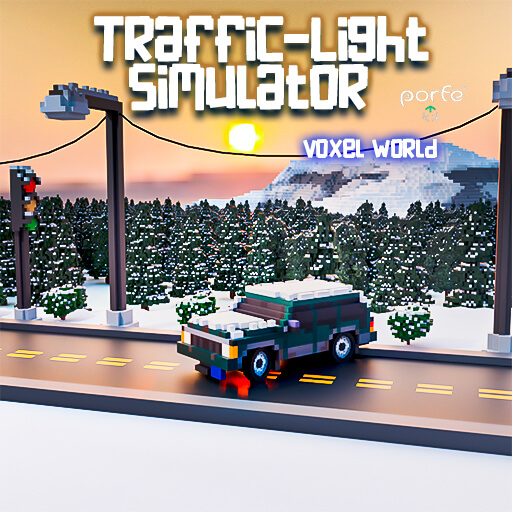
A junction will have many autos at the start of the game.
Switch between green, yellow, and red traffic lights by tapping.
Green means go, red means stop, and yellow advises change. Timing lights reduces traffic and accidents.
Look for cars approaching the intersection.
Direct east-west or north-south traffic to avoid congestion and accidents.
To maintain momentum in heavy traffic, adjust quickly.
Change traffic light colors to direct traffic at mouse/tap.
Traffic Light Simulator 3D helps you practice traffic control and keep cars moving safely!
Explore our featured game: Drift Rush 3D